


Sam Smyers Tech House Template Bundle
Sam Smyers Tech House Template Bundle
Couldn't load pickup availability
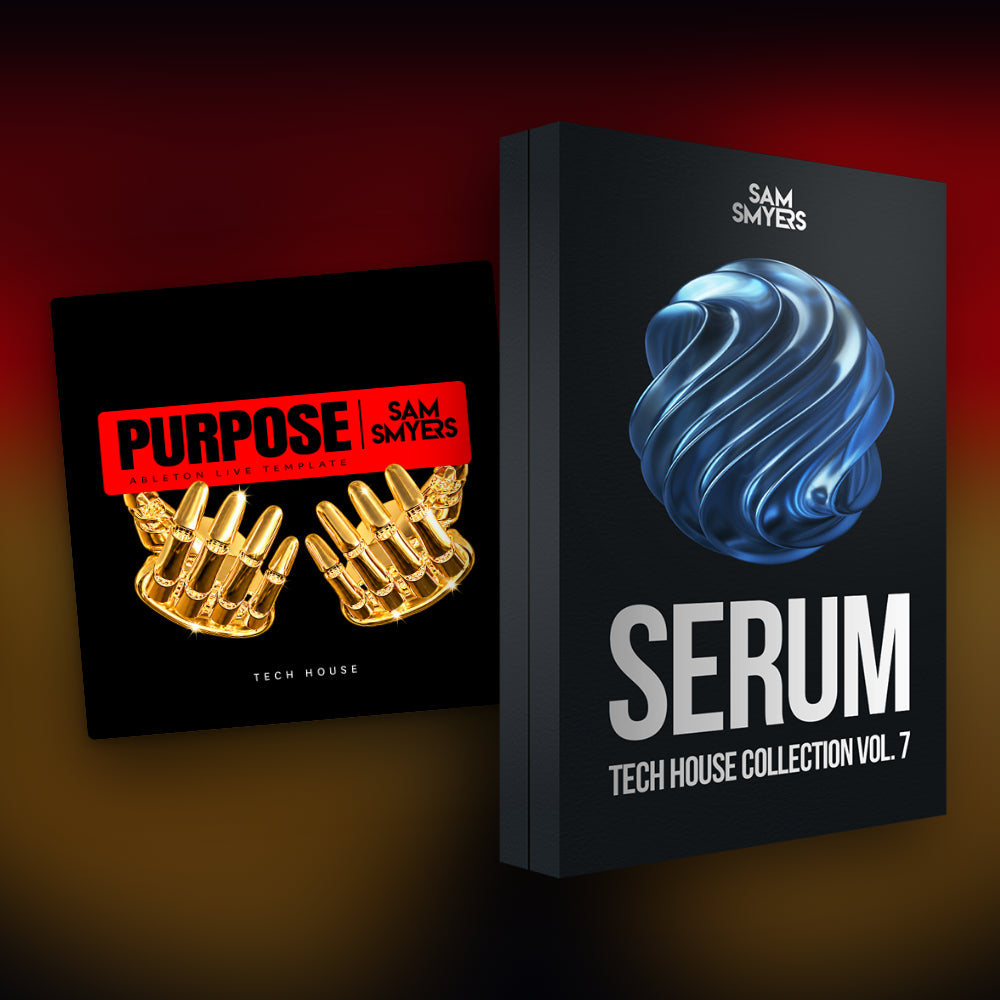
Bundle and save! This bundle gives you a full dark, deep tech house track to take apart in Ableton Live, plus 50 Serum 2 presets and 50 MIDI files in the same style to build your own tracks with.
The "Purpose" template shows you how the sound of Prospa, Kettama, and Cloonee is arranged, layered, and mixed. The Tech House Vol. 7 preset pack gives you the basses, leads, stabs, and FX to make it your own.
Listen To The Template Below:
This bundle contains the following products:
-
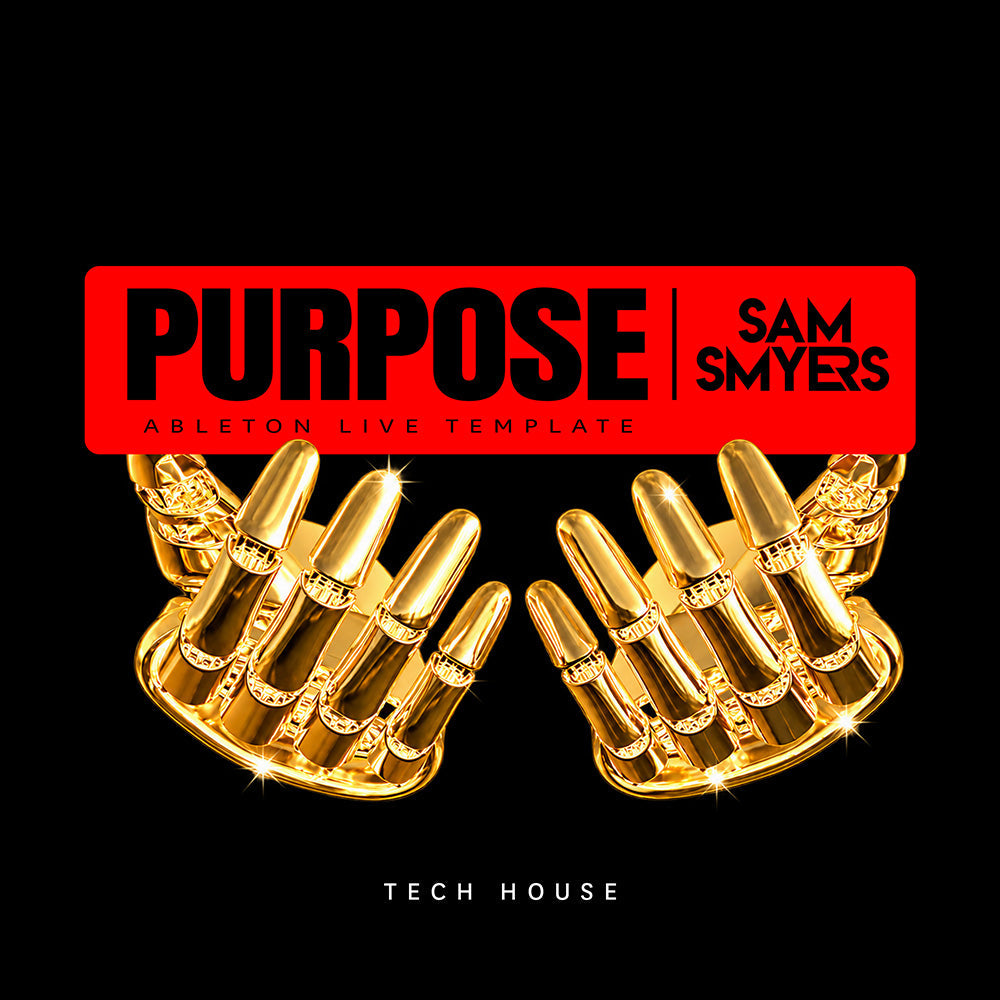
Purpose: Tech House Ableton Live Template
(Full Ableton Live project with 9 Serum 2 patches, MIDI, samples, and mix chain)
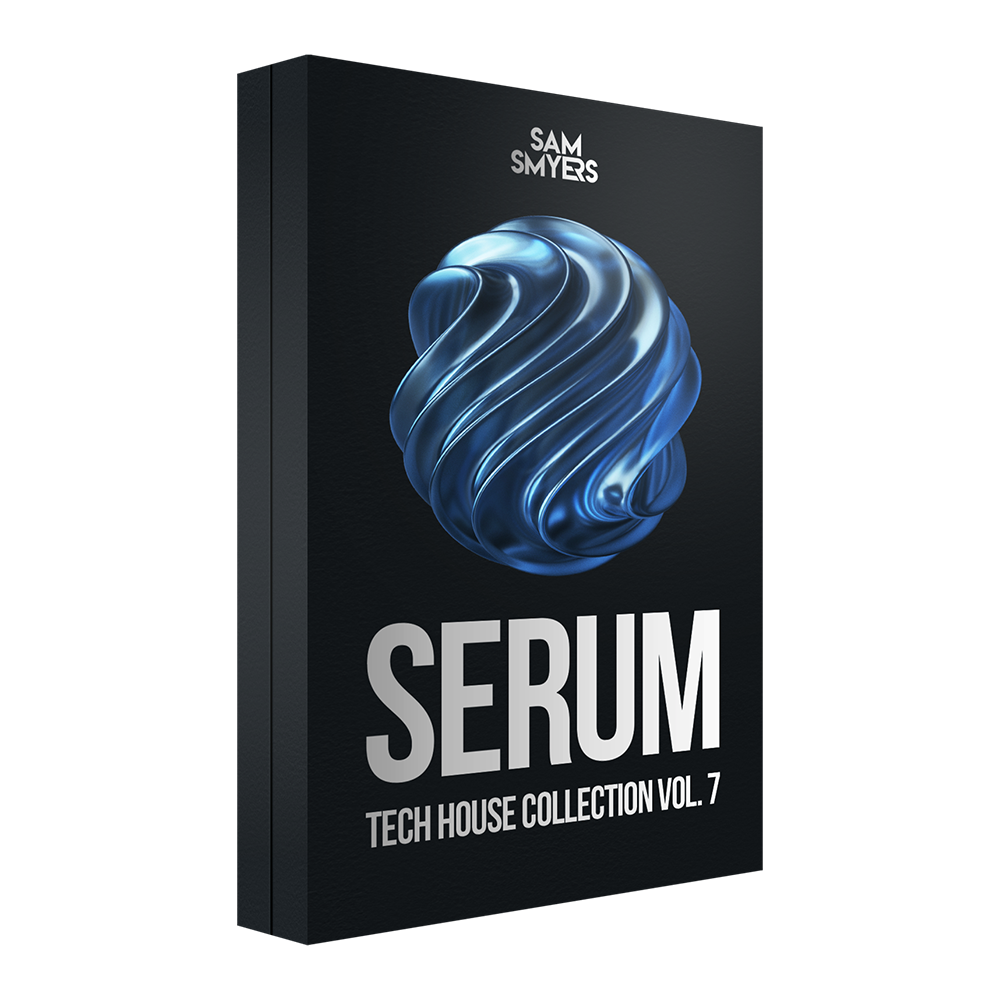
- Sam Smyers Serum Tech House Collection Vol. 7
(50 Serum 2 Presets + 50 MIDI Files)
| Purpose: Tech House Ableton Live Template | $49.99 |
| Sam Smyers Serum Tech House Collection Vol. 7 | $21.99 |
| TOTAL VALUE |
System Requirements:
✅ Ableton Live 12 Suite, version 12.4.6 or later (for the template)
✅ Xfer Serum 2, version 2.1.5 or later
✅ Compatible with macOS and Windows
✅ The Serum 2 presets work in any DAW
FAQs
What's included in a template and preset bundle?
Each bundle pairs a complete Ableton Live template with a Serum 2 preset pack in the same style. The template is a finished track delivered as an Ableton Live project, so you can see the arrangement, MIDI, synth patches, effect chains, automation, and mix behind it. The preset pack gives you a larger palette of sounds and MIDI files to write your own tracks in that style. The product description lists exactly what's included.
What do I need to use everything?
For the template, you need Ableton Live and the plugins used in the project. For the presets, you need Xfer Serum 2. The product description lists the exact versions under System Requirements, so check that list before you buy. If a plugin is missing, the template will still open, but the tracks that use it will be silent.
Do they work in FL Studio, Logic Pro, or other DAWs?
The Serum 2 presets work in any DAW that runs Serum 2. The template is an Ableton Live project file, so it only opens in Ableton Live. Both work on macOS and Windows.
How do I install everything after I buy?
After purchase, you'll get an instant download link for each product in the bundle. For the template, unzip the file, keep the whole project folder together because the samples are stored inside it, then open the .als file in Ableton Live. For the presets, unzip the file, then in Serum 2 click the menu icon, select "Import Preset Pack," and choose the .SerumPack file. Full instructions are included with every download.
Do I need the preset pack to open the template?
No. The Serum 2 patches used in the template are saved inside the project, so they load automatically as long as you have Serum 2 installed. The preset pack is a separate collection of sounds for your own productions.
Can I hear everything before buying?
Yes. This page includes an audio demo of the full template track, and what you hear is the project you get. Each preset pack's own product page, linked in the description above, has audio previews of the presets.
Can I use the sounds in my own released tracks?
Yes. The Serum 2 presets, the template's patches and effect chains, and the drum and FX samples are royalty-free and yours to use in your own original music, commercial or personal. What you can't do is release the template track itself as your own, or share or resell the template or presets.
The MIDI files in the template and the preset pack are best used for study and inspiration. Use them to learn how the parts are built, then write your own melodies, chords, and basslines for tracks you release. The full terms are in the license included with each download.