

Champagne: Indie Dance Ableton Live Template
Champagne: Indie Dance Ableton Live Template
Couldn't load pickup availability
See exactly how a finished indie dance track is built.
Champagne is a complete Ableton Live project built in a modern indie dance and indie tech style. Open the session and explore every MIDI note, Serum 2 patch, effect chain, automation lane, drum layer, bus, and mastering decision behind the finished track.
The project is built around a deep filtered bassline, hypnotic arps, textured synths, and a loose, club-focused drum groove inspired by the modern indie dance sound.
Solo the bass group to hear how the bass, bass FX, and sub work together. Open the drum bus to see how the groove is processed. Follow the arrangement locators to see how the energy develops across the intro, breaks, builds, drops, and outro.
Use the project to study how a finished track comes together, or replace the sounds and MIDI with your own ideas and use the arrangement as the starting point for your next production.
Listen to the Template:
Watch the Walkthrough:
What's included:
✅ Full 172-bar arrangement, 5:33 minutes at 124 BPM in G minor
✅ 43 organized tracks
✅ Finished mix included as a reference track for A/B comparison
✅ 10 Serum 2 patches with MIDI, including bass, bass FX, sub, arps, hoover, keys, drone, riser, and noise FX
✅ Drum and FX samples, including kick, claps, hats, ride, percussion, and FX
✅ Full drum and bass bus processing
✅ Complete master chain
✅ 12 arrangement locators covering the intro, breaks, build ups, drops, and outro
✅ All sidechain, filter, and FX automation intact
What you'll learn:
✅ How to layer bass, bass FX, and sub while keeping the low end clean
✅ How to build a loose, club-ready indie dance drum groove
✅ How to structure multiple drops so each one develops the track
✅ How to use group processing to make drums and bass feel cohesive
✅ How to shape a finished mix for club playback
Bundle and save:
Pair Champagne with the Sam Smyers Serum Indie Dance Collection Vol. 1 in the Sam Smyers Indie Dance Bundle. The preset pack includes 50 Serum 2 presets and 50 matching MIDI files in the same style, giving you a larger palette of basses, leads, pads, stabs, and synths for your own productions.
System Requirements:
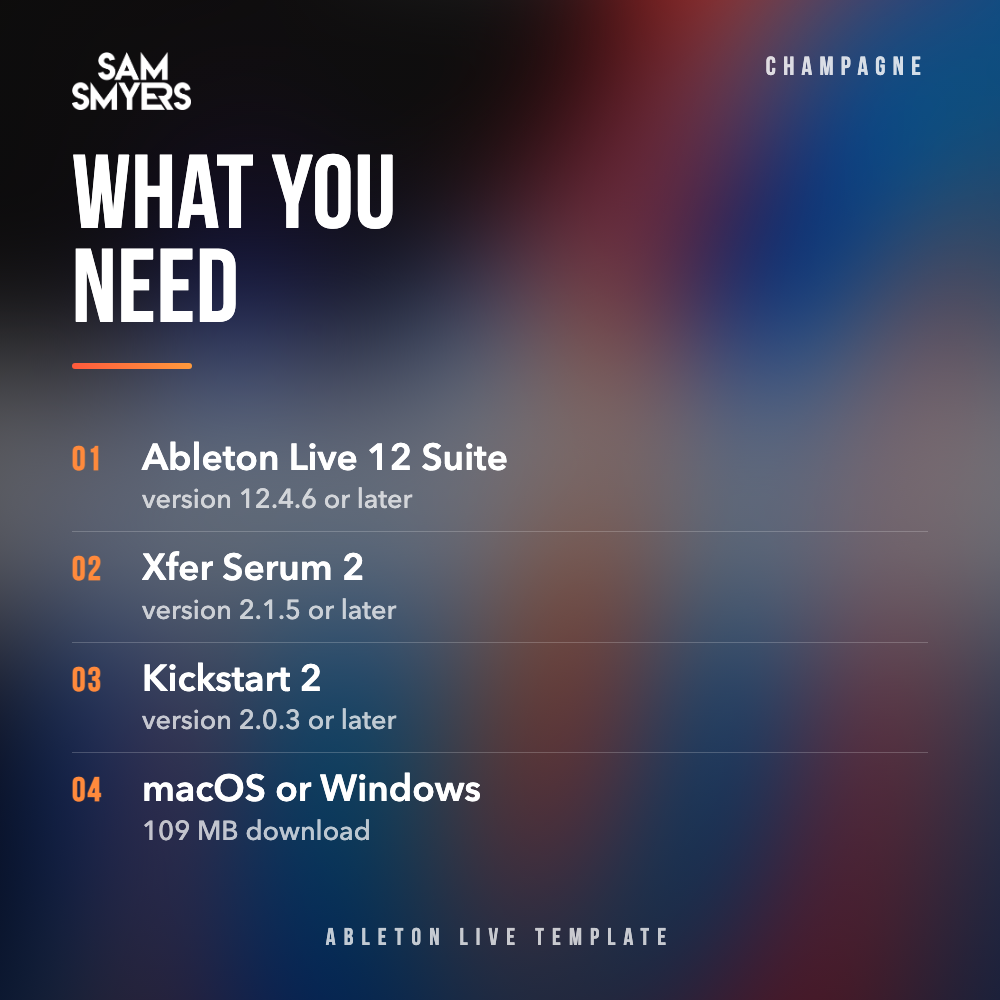
✅ Ableton Live 12 Suite, version 12.4.6 or later
✅ Xfer Serum 2, version 2.1.5 or later
✅ Kickstart 2 by Nicky Romero and Cableguys, version 2.0.3 or later
✅ Compatible with macOS and Windows
✅ Every other device in the project is an Ableton Live stock device
✅ Download size: 109 MB
Good to know:
The Serum 2 patches are saved directly inside the project, so you do not need to own any Sam Smyers preset packs to open the template. This is a digital download. Plugins and software are not included.


FAQs
What is an Ableton Live template?
An Ableton Live template is a complete, finished track delivered as an Ableton Live project. You open it in Live and see everything: the arrangement, the MIDI, the synth patches, the effect chains, the automation, and the mix. You can study how the track was built, or use it as a starting point and replace the parts with your own ideas.
What do I need to open the template?
You need Ableton Live and the plugins used in the project. Each product page lists the exact Live version, Live edition, and plugins under System Requirements, so check that list before you buy. If a plugin is missing, the project will still open, but the tracks that use it will be silent.
Does it work in FL Studio, Logic Pro, or other DAWs?
No. The template is an Ableton Live project file and only opens in Ableton Live. It works on both macOS and Windows.
How do I open the template after I buy it?
After purchase, you'll get an instant download link. Unzip the file and keep the whole project folder together, because the samples are stored inside it. Then open the .als file in Ableton Live. A readme with full instructions is included in every download.
Do I need to own any Sam Smyers preset packs?
No. The Serum 2 patches are saved inside the project, so they load automatically as long as you have Serum 2 installed. You don't need to buy or install any preset packs.
Can I use the sounds from the template in my own tracks?
Yes. The Serum 2 patches, effect chains, and drum and FX samples are royalty-free and yours to use in your own original music, commercial or personal. What you can't do is release the template track itself as your own, or share or resell the project. Use the arrangement and MIDI to learn from and build on, then write your own melodies and bassline. The full terms are in the license included with the download.
Can I hear the template before buying?
Yes, every product page includes an audio demo of the full track. What you hear in the demo is the project you get.